
Need help with hospital bills or medical expenses? The Philippine Charity Sweepstakes Office (PCSO) offers free medical assistance through its Medical Access Program (MAP)—and you can now apply online in just a few steps.
Follow this quick and easy guide to complete your MAP application through the PCSO Online Application System.
Step 1: Register for a PCSO MAP Account
- Go to the PCSO Official Website
- Click “E-Services” in the main menu.
- Select “Online MAP Application.”
- Click “Create an Account.” Enter the required personal information to validate your registration.
- Open your email and find the message from PCSO.
- Click the “Validate Registration” link (or copy-paste it into your browser). This will take you to the login page.
Step 2: Log In to the MAP System
- Return to the PCSO Website
- Go again to “E-Services” > “Online MAP Application.”
- Enter the following details:
- First Name
- Last Name
- Date of Birth
- Click “Login.”
- Check your email for your One-Time Password (OTP).
- Copy and paste the OTP into the portal, then click “Submit.”
Step 3: Submit Your Medical Assistance Application
- After logging in, click “Application” on the menu OR “Apply Now” on the info page.
- Enter the name of the Partner Health Facility (PHF) and select from the dropdown.
- Choose the City/Municipality of the PHF.
- Click on the Nature of Request (e.g., Hospital Bill, Medicine, Diagnostics).
- Click “Get Queuing Number.”
- Once you receive a queuing number, upload all required documents:
- Files must be in PDF format
- Maximum file size: 2MB each
- Click “Submit Application.”
Important: If the system shows “system has reached limit”, you may need to try again the next day.
Step 4: Wait for Approval
PCSO will send updates to your email. You may also check your application status anytime through your PCSO MAP portal.
Alternative: Apply via Email (only for NCR)
- If you’re applying within NCR, here’s another method using email:
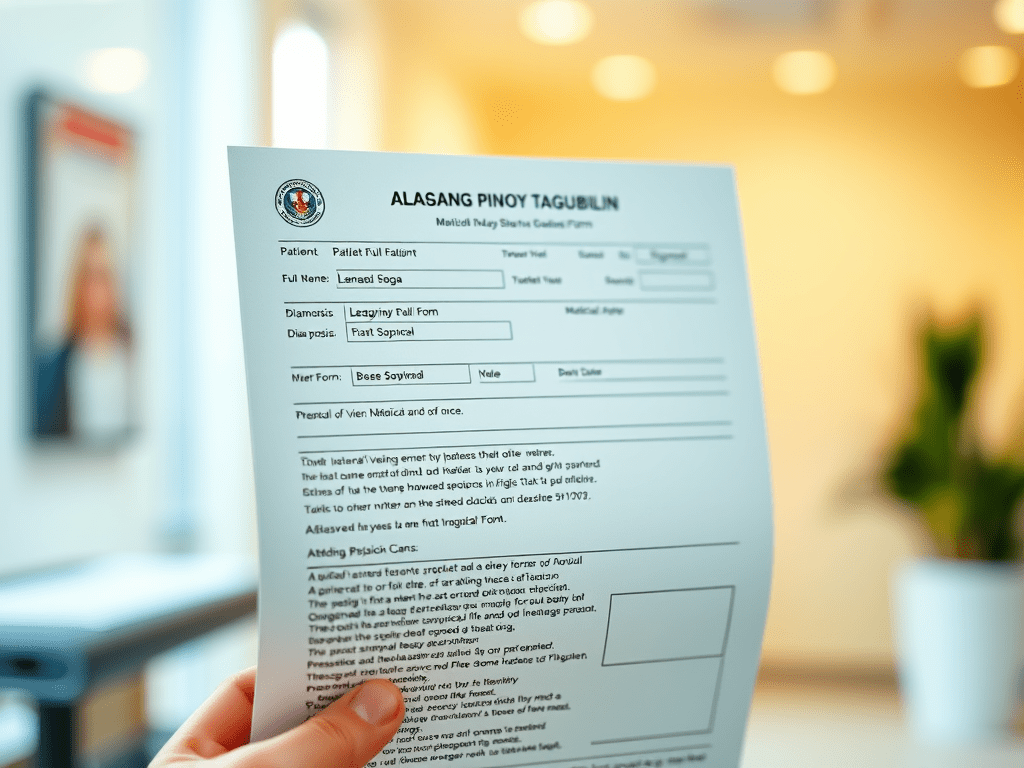
- Download and fill out the MAP Application Form.
- Scan the complete documentary requirements, including:
- MAP Application Form
- Valid ID
- Medical Abstract or Clinical Summary
- Billing or Cost Estimate
- Others as required
- Email all scanned documents to ncrmap@pcso.gov.ph.
- Once approved, submit the printed Guarantee Letter and Assessment Form to the hospital, PHF, diagnostic center, or pharmacy.
Operating Hours: Monday to Sunday (excluding holidays), 8:00 AM until the daily application limit is reached. If you don’t make it, just re-apply the next working day.



 BayanihanHealth.com